
Using QR Codes to Simplify Social Media Follow-Ups
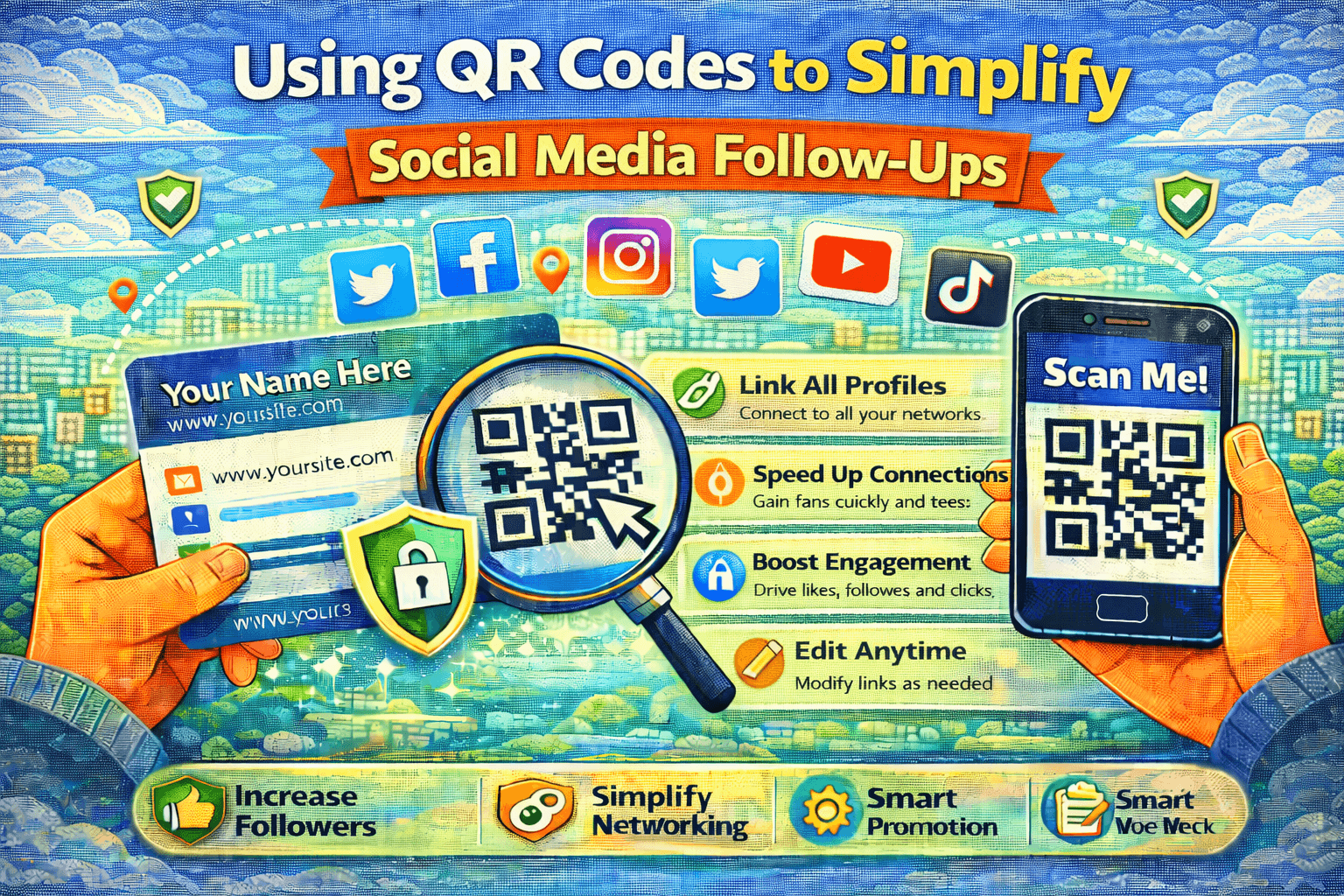
Social media profiles are easy to share online, but sharing them in the real world is often awkward. Saying a username out loud, hoping someone remembers it, or trusting that they’ll look it up later usually doesn’t work.
This is where QR codes offer a simple improvement.
A QR code gives people a direct path from an offline interaction to your online presence, without relying on memory or extra effort.
Why Offline Interest Often Goes Nowhere
After meeting someone in person, continuing the connection usually requires follow-up actions:
-
Remembering a name or handle
-
Searching on the right platform
-
Finding the correct profile
Even when interest is genuine, these steps are easy to skip. Not because people don’t care, but because they’re busy.
QR codes remove these steps entirely.
What a Social Media QR Code Does Well
A QR code acts as a shortcut.
With one scan, someone can:
-
Open your social media profile immediately
-
Follow you without searching
-
Access a page with multiple platforms
This makes the follow-up action quick and obvious, which increases the chance that it actually happens.
Choosing a Useful Destination
The destination of the QR code matters more than the design.
Some people link directly to one primary social media account. This keeps the experience simple and fast.
Others prefer linking to a single page that includes all their social profiles. This works well when audiences are spread across different platforms.
Both options work — the key is making the next step clear within seconds.
Where Social Media QR Codes Are Most Effective
QR codes are especially useful in situations where typing or searching isn’t convenient.
Common examples include:
-
Business cards and name tags
-
Event signage and printed materials
-
Product packaging
-
Store counters or displays
In these moments, scanning feels natural and faster than manual searching.
Static vs Editable QR Codes
There are two main types of QR codes to consider.
Static QR codes always point to the same destination and cannot be changed after creation.
Editable (dynamic) QR codes allow the destination to be updated later without changing the printed code. This can be useful if your main platform changes or you want to adjust your link over time.
For long-term use, flexibility can be valuable.
Creating a QR Code Is Straightforward
Creating a QR code doesn’t require technical knowledge.
You choose the link you want to share and generate the code. A simple tool like
https://generate-qr-code.com
lets you create a clean, scannable QR code quickly, without unnecessary setup.
Once created, the same QR code can be used across both digital and printed materials.
Making QR Codes Easy to Use
To increase scans, a QR code should be easy to notice and understand.
Helpful practices include:
-
Placing it where people naturally look
-
Using strong contrast for easy scanning
-
Adding a short instruction like “Scan to follow”
Small details make the action clearer.
Final Thoughts
QR codes don’t replace social media platforms — they simplify access to them.
By removing friction between offline interactions and online profiles, QR codes make it easier for people to follow through. For anyone who connects with others in the real world, that simplicity can make a real difference.

 English
 Arabic
 French
 Portuguese
 Deutsch
 Turkish
 Dutch
Dutch
 Italiano
 Russian
 Romaian
 Portuguese (Brazil)
 Greek
Greek